
MDT Tablet
The police tablet for records, incidents, fines, warrants and the penal code.
What it is
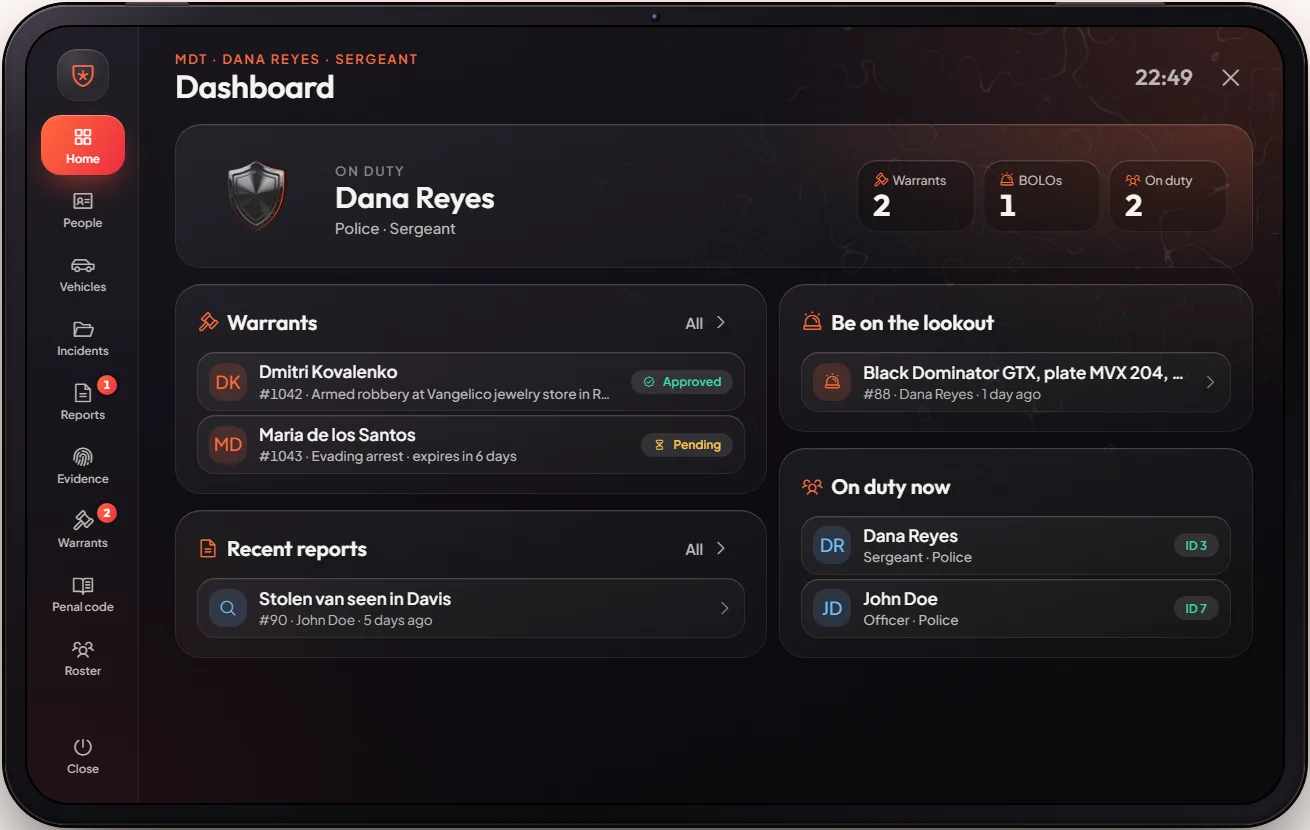
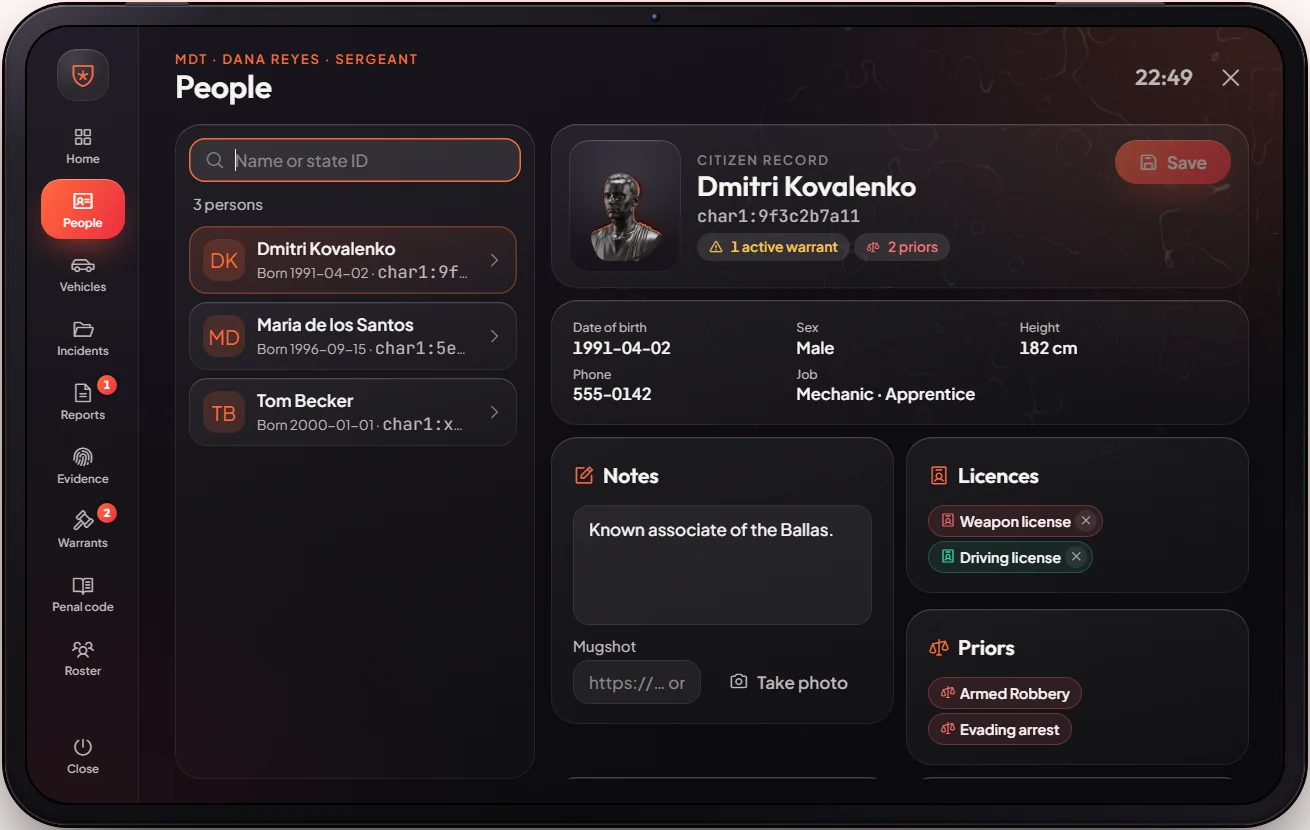
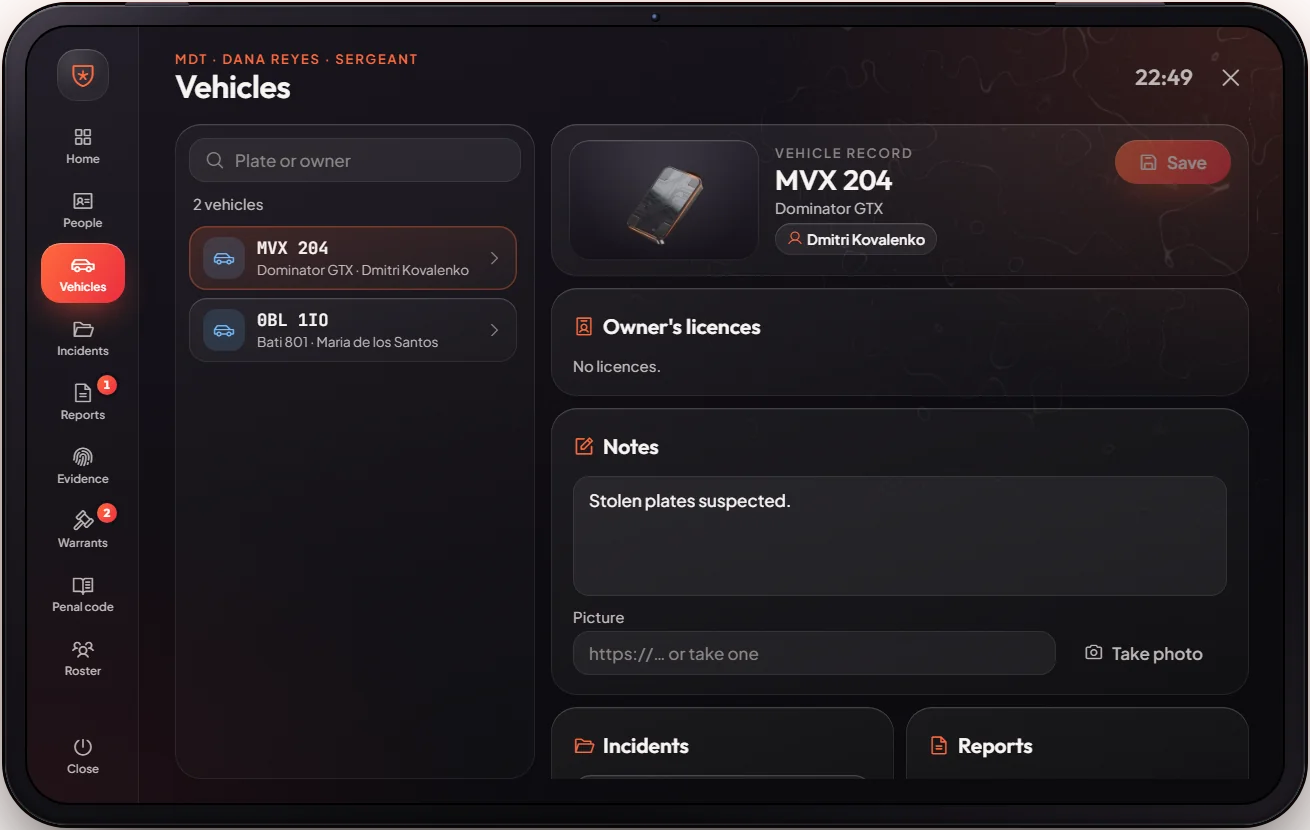
The MDT is the police tablet. Officers look up people and vehicles, write incidents, bill or jail suspects with prices and times from the penal code, and manage warrants. Lawyers can read it but not change anything; a judge approves warrants.
How it works
Press F10 or type /mdt. The pages are:
| Page | What it is for |
|---|---|
| Home | Active warrants, BOLOs and who is on duty |
| People / Vehicles | Profiles, licences, owned cars, past incidents |
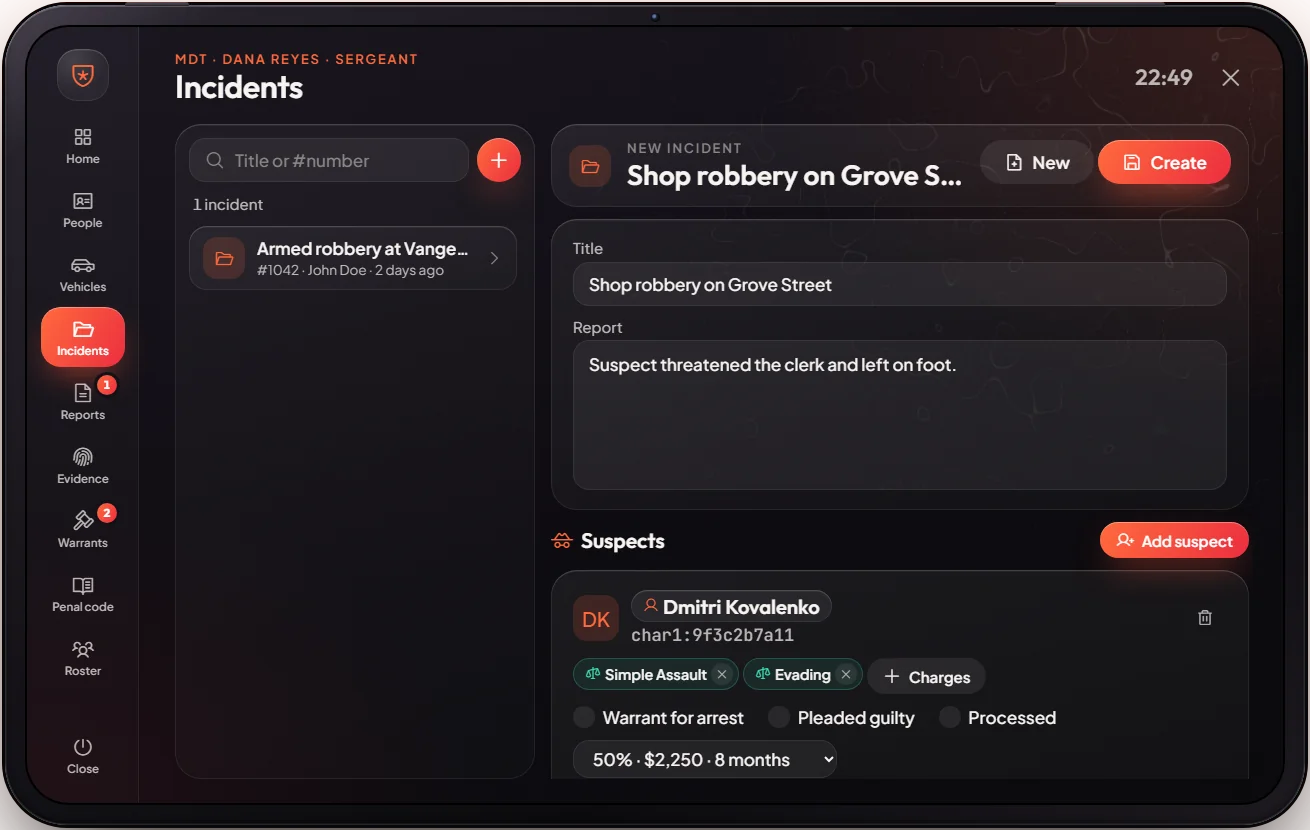
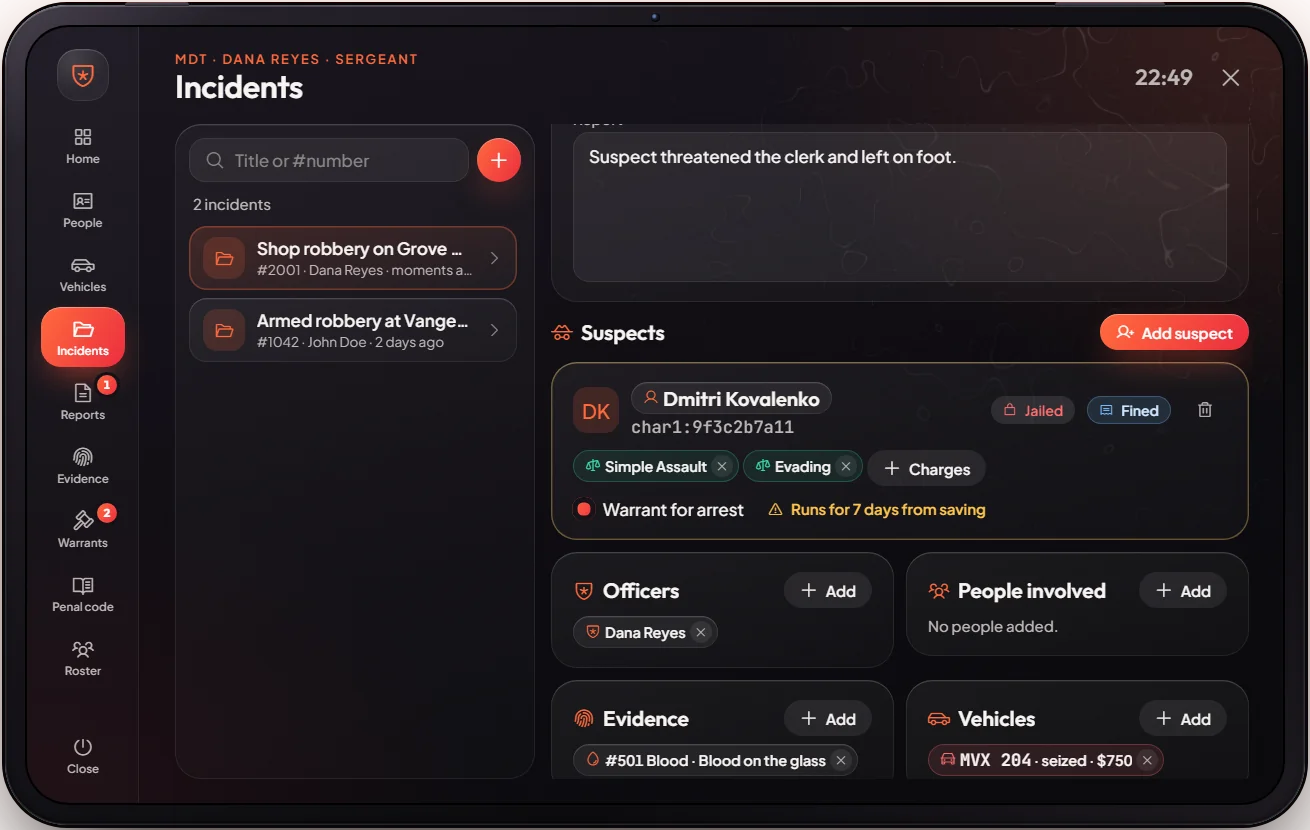
| Incidents | Write what happened, add suspects and charges |
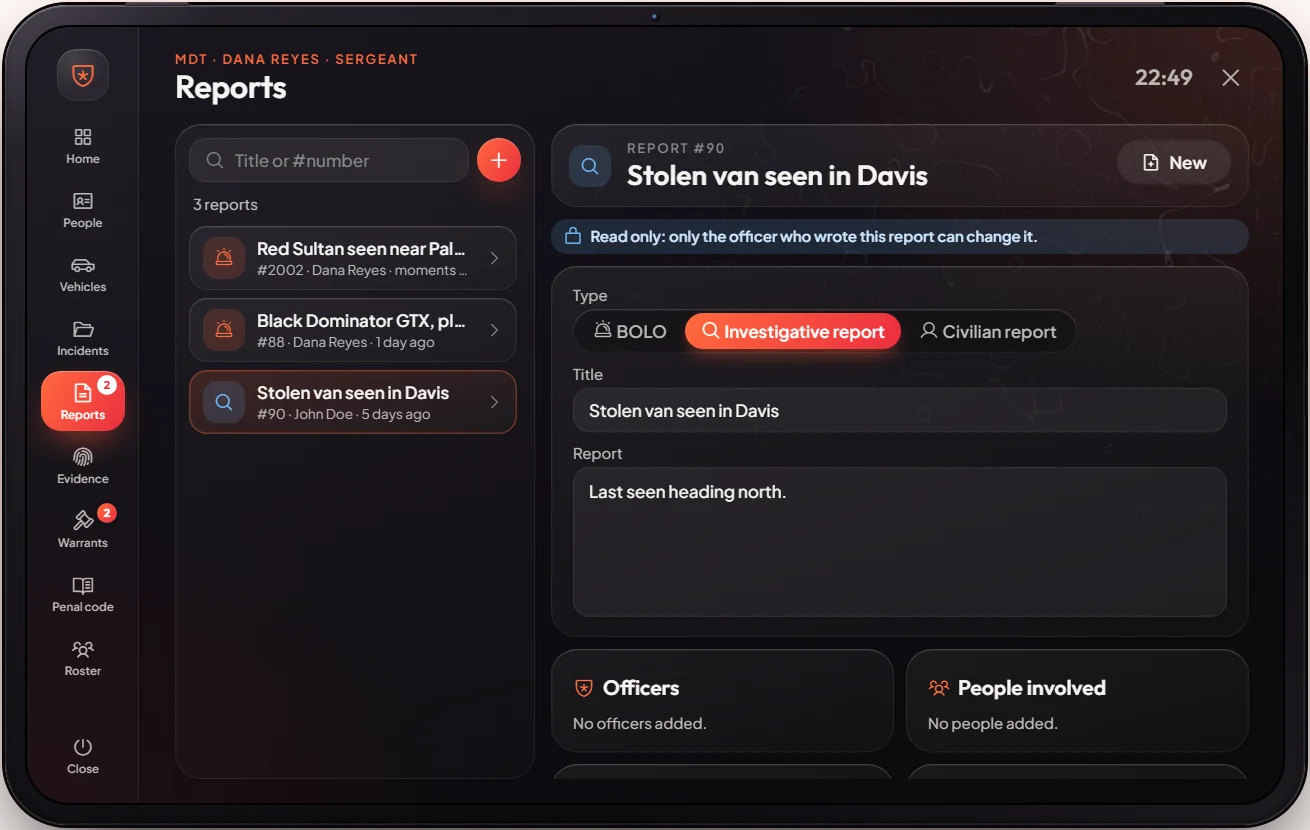
| Reports | BOLOs, investigative and civilian reports |
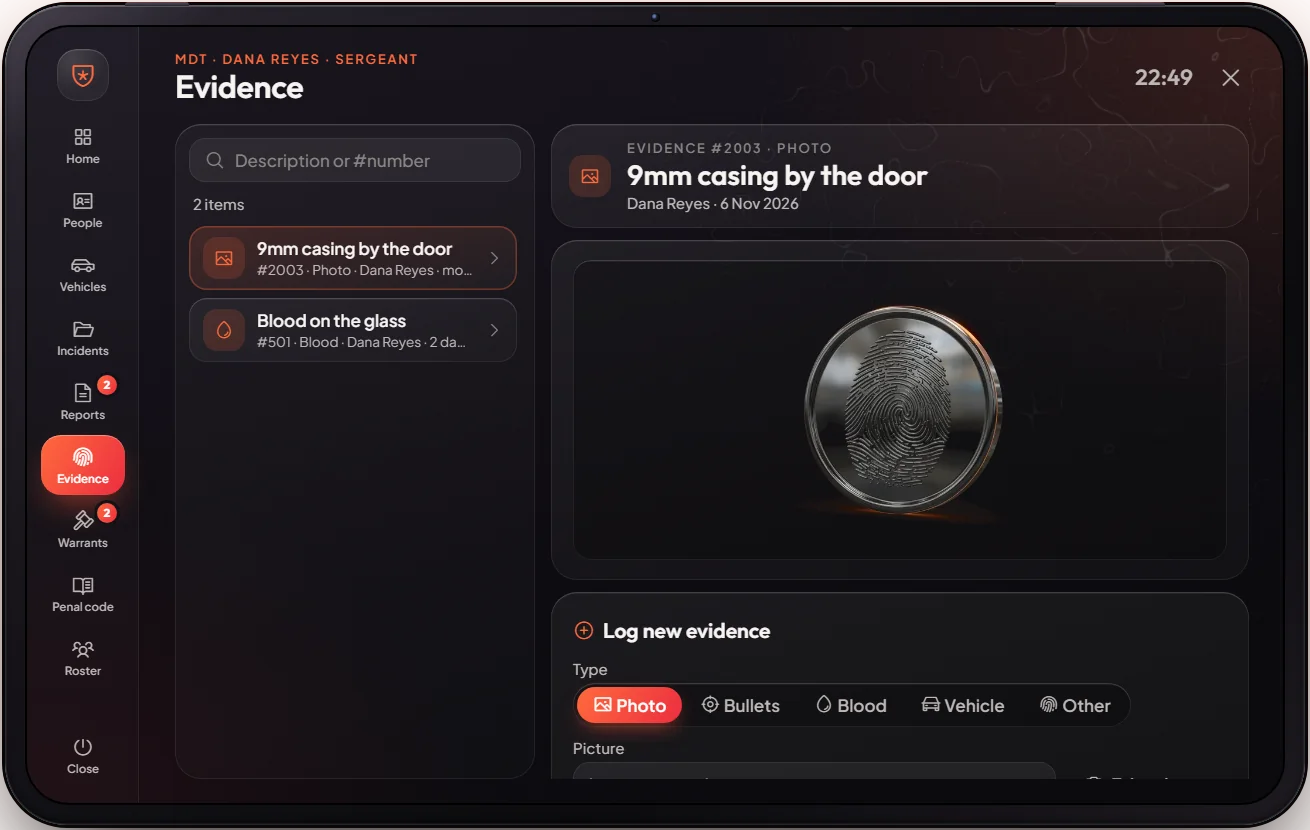
| Evidence | Photos, bullets, blood and more, linked to cases |
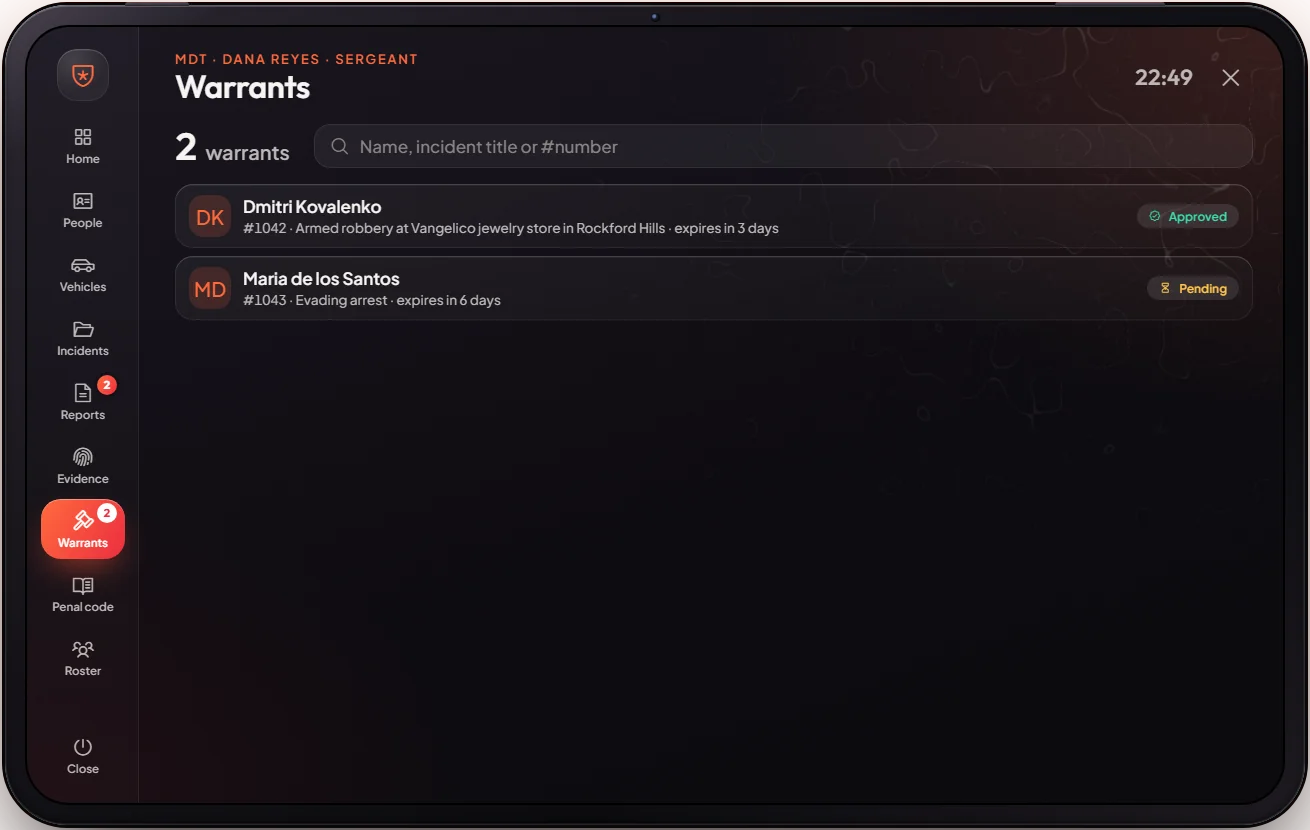
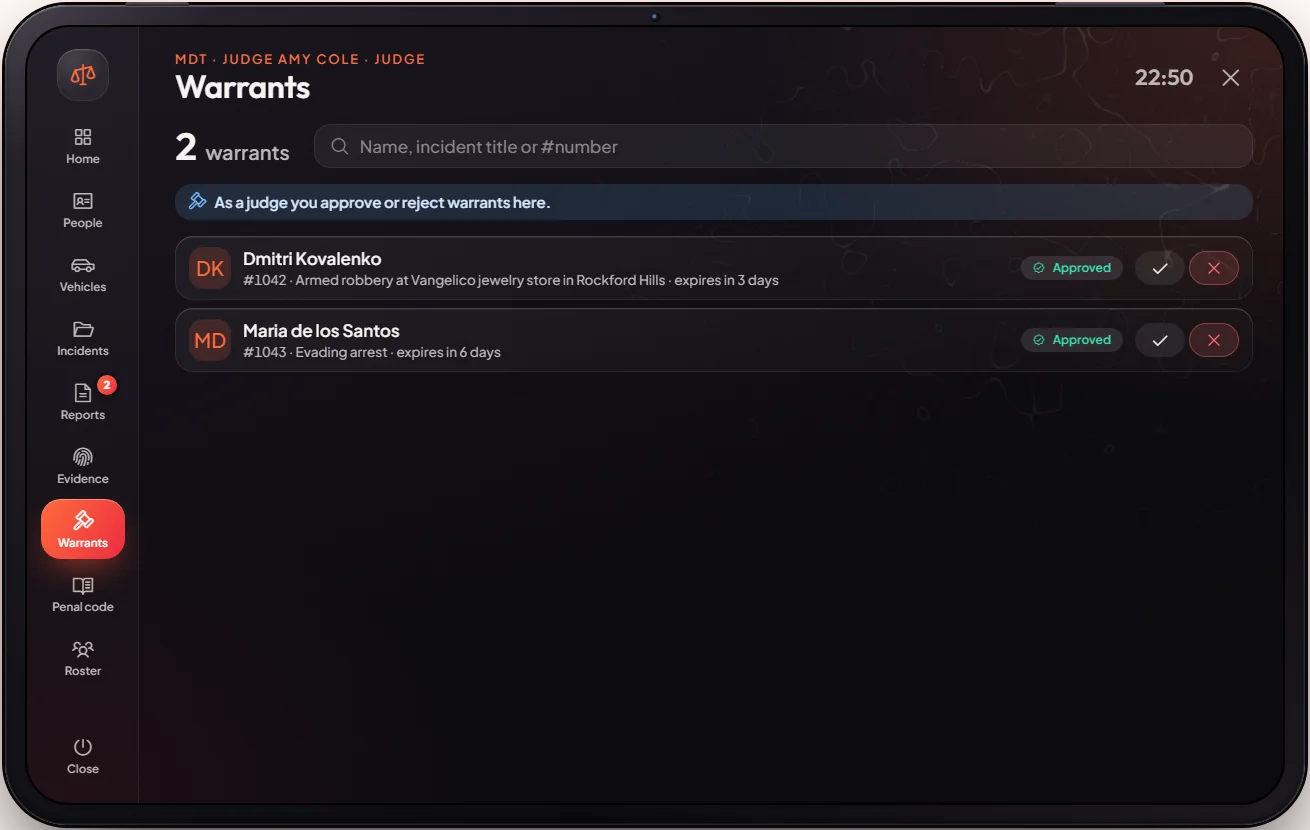
| Warrants | Request warrants; a lieutenant, the Chief or a judge approves them |
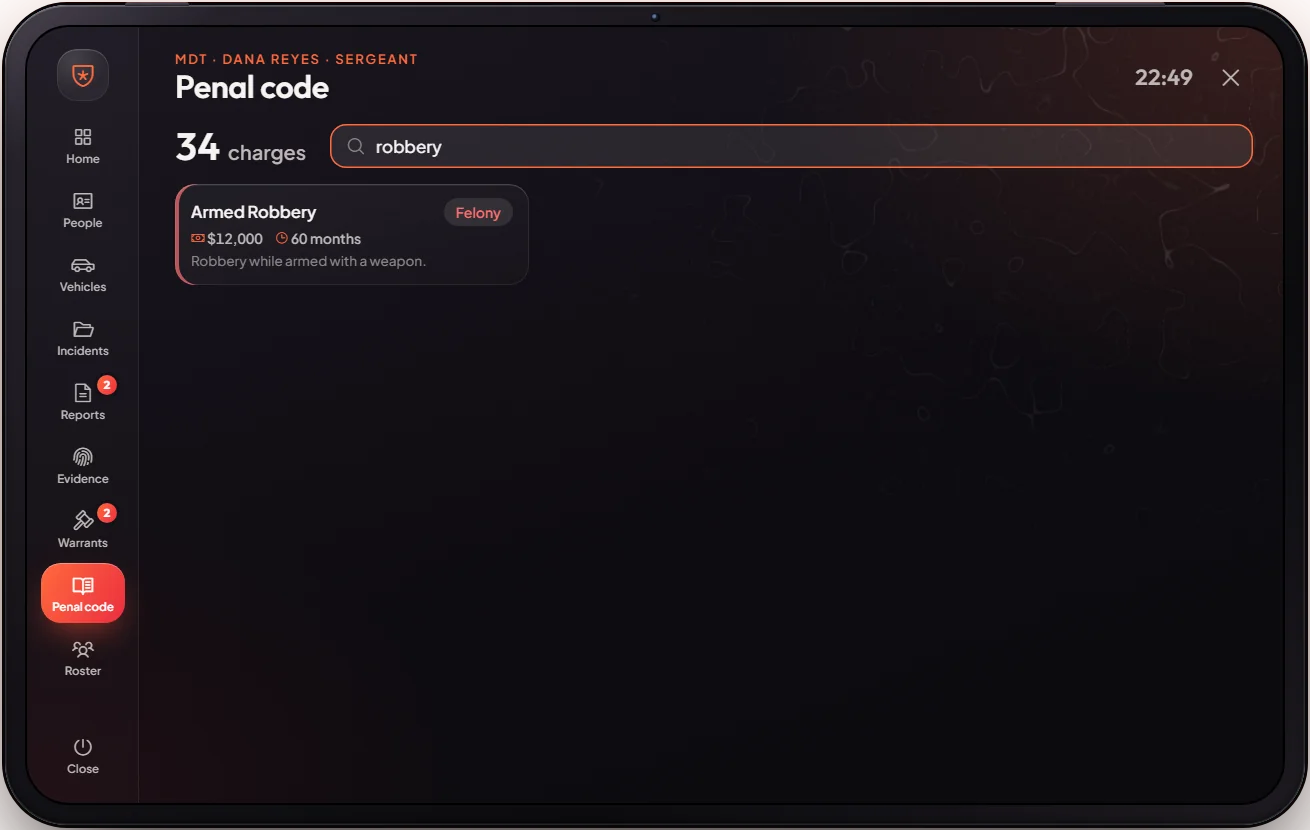
| Penal code | Every charge with its fine and jail time |
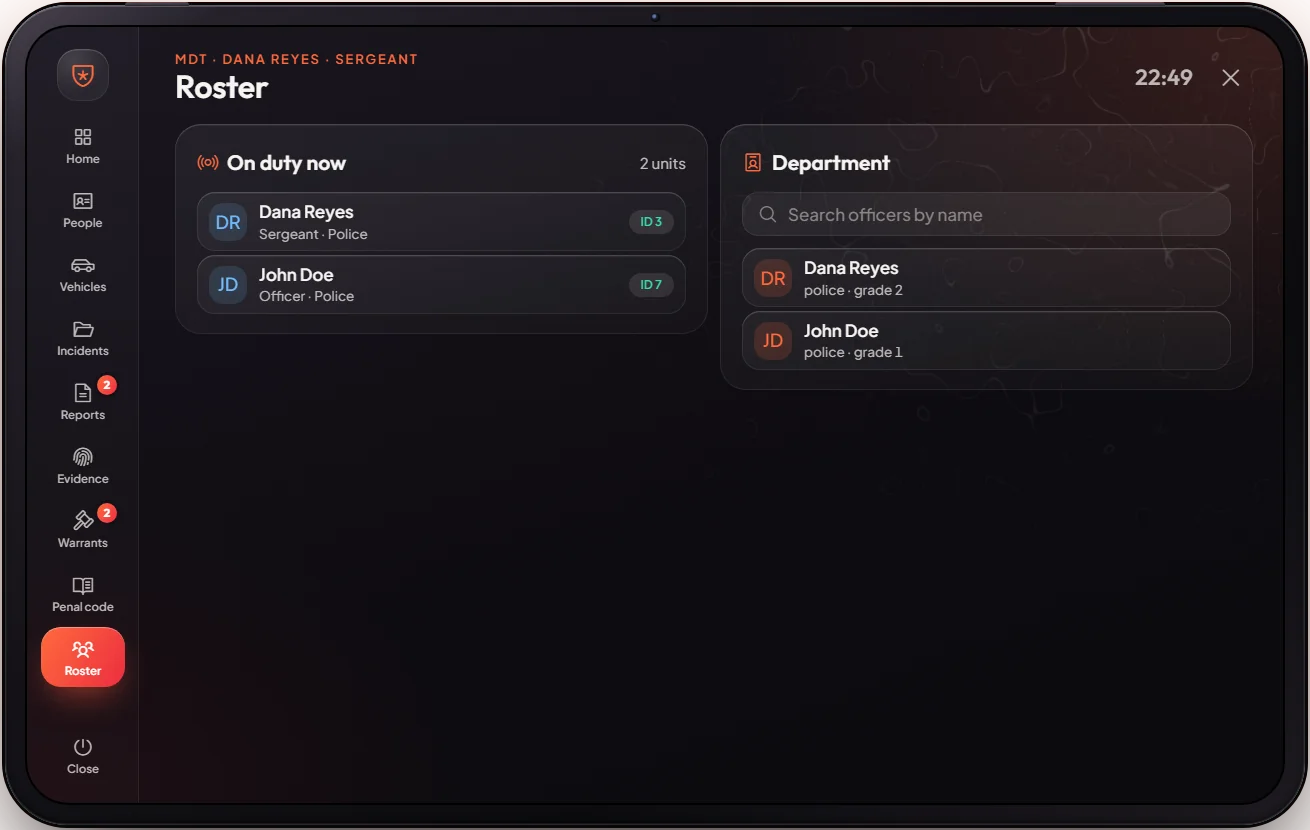
| Roster | The police staff list |
Incident flow: write the incident, add the suspect, add charges from the penal code, pick a reduction (0–100%), save, then press Bill (the fine comes from the penal code, up to $100,000 per person, and goes to the police company account) or Jail (the time comes from the penal code; the suspect must be within 10 metres).
Photos
Citizen profiles, vehicles and evidence have a Take photo button. For a profile photo, the person must be online and within 5 metres of the officer. The picture is taken in game and saved online (Fivemanage), and its link is stored on the record. Only police can take photos.
Lawyers and judges
Lawyer is a whitelisted job (staff or the boss give it) with three grades: Lawyer, Senior Lawyer and Judge. Every lawyer can open the MDT and read records, but cannot write incidents or change profiles. A Judge (grade 2) also approves or rejects warrants. Warrants can be approved by a lieutenant, the Chief (boss) or a judge.
Keys & commands
| Key / command | What it does | Who |
|---|---|---|
F10 or /mdt | Open the MDT (players can rebind the key) | Police; lawyers read only |
| Approve / Reject on a warrant | Decide a warrant | Lieutenant, Chief, judge |
Config options
File: [esx]/[jobs]/[police]/mvx_police/modules/mdt/config.lua
| Option | What it changes | Example |
|---|---|---|
Config.Charges | The penal code: name, fine, jail time (months = minutes) | time = 10 |
Config.Policejobs | Jobs that can use the MDT | police, sheriff, trooper |
Config.WarrantApprovers | Police ranks that can approve warrants | lieutenant, boss |
Config.LawyerJob / Config.Judgegrade | The lawyer job, and the grade that is a judge | 'lawyer' / 2 |
Config.MDTKey / Config.MDTCommand | Default key and command | 'F10' / "mdt" |
Config.FineAccount | Account that receives MDT fines | 'society_police' |
Config.Reductions | Reduction choices | { 0, 10, 25, 50, 75, 90, 100 } |
Config.MaxFine | The most one incident can bill one person, whatever the charges add up to | 100000 |
Config.Licenses | Licences shown on profiles | weapon, hunting, driver… |
Config.PhotoDistance | How close a person must be for a profile photo (metres). Uploads need fivemanage_key in server.cfg | 5.0 |
Admin Quick Test
Setup
- Make yourself Chief:
/setjob me police 4(Chief, lieutenant and judge can approve warrants). - A second player is needed for Bill and Jail: they must stand within 10 metres. Give them money to pay a
bill:
/giveaccountmoney <their id> bank 5000.
Open and read
- Teleport to Mission Row:
/tp 425.10 -979.50 30.70. Press F10 (or type/mdt). The MDT opens on Home with active warrants, BOLOs and the officers on duty. - People: search your second player's name. Their profile shows licences, owned cars and past incidents.
- Vehicles: search a plate of an owned car. The owner shows.
- Penal code: every charge is listed with a fine and a time.
Incident
- Incidents → new incident. Write a short text, add the second player as suspect, add one charge from the penal code (for example a traffic charge), pick a reduction (0–100%) and Save. The incident shows in the list.
- Press Bill. The player gets a bill for the penal code price (after the reduction). When they pay it, the money goes to the police account.
- Optional: press Jail. The player is jailed for the penal code time (1 month = 1 minute). See Jail.
Warrants and reports
- Warrants → create a warrant for the player. As Chief press Approve: it shows on Home as an active warrant.
Judge check:
/setjob me lawyer 2, press F10. The MDT opens read-only with "As a judge you approve or reject warrants here" on Warrants. With/setjob me lawyer 0you can read records but not approve. - Reports → write a BOLO. It shows on Home.
If it doesn't work: "This tablet is for the police" means your job is not police, sheriff or trooper. Bill and Jail need the suspect online and within 10 metres. Warrants can only be approved by a lieutenant, the Chief or a judge (lawyer grade 2).