
Report Menu
Players ask staff for help; staff claim, answer and close reports.
What it is
The help desk of the server. A player sends a report, staff answer in a chat inside the report.
How it works
Players
- Type
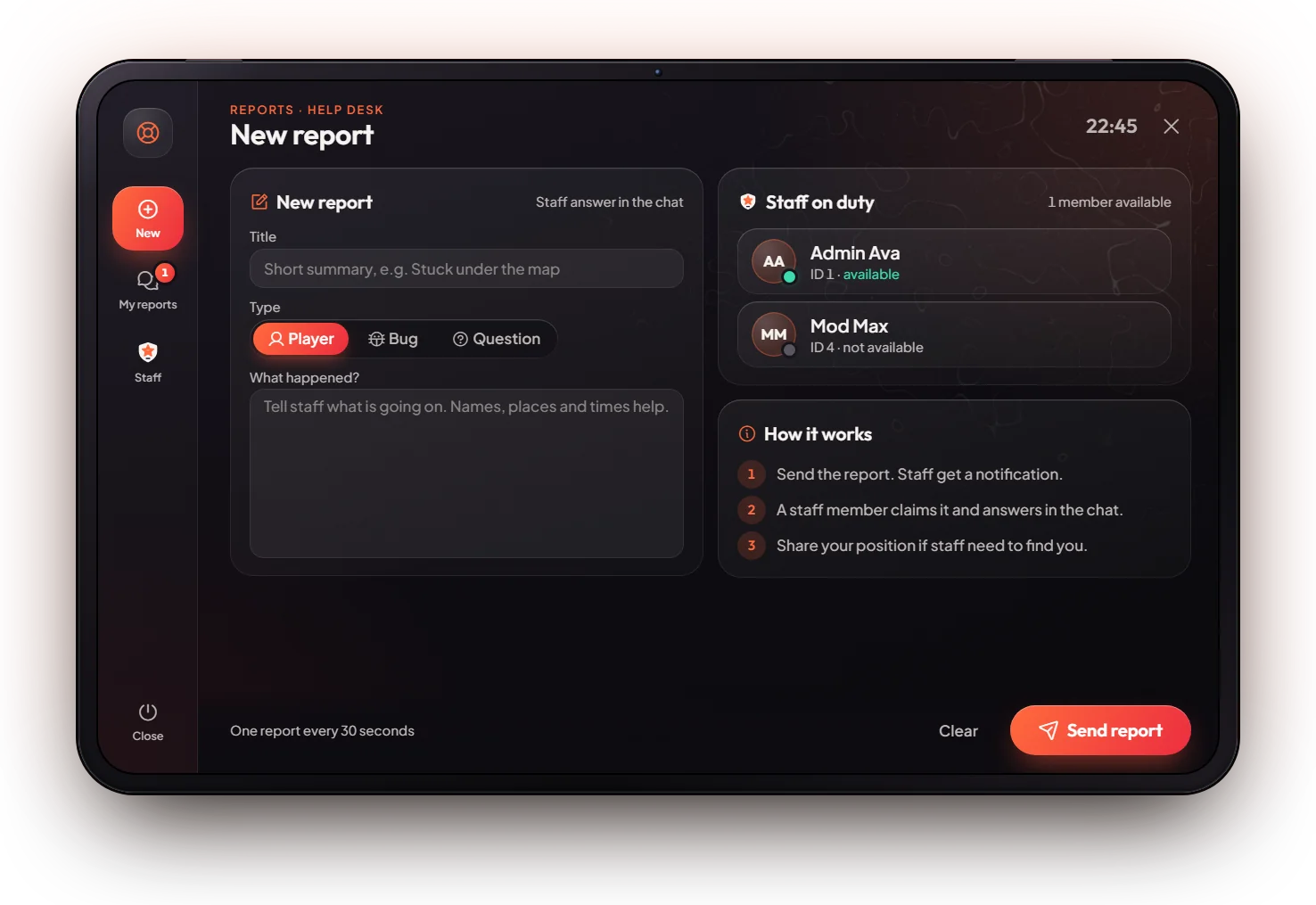
/report, or press the Report button in the pause menu. - On New, write a title, pick a type (Player, Bug or Question) and say what happened. Press Send report.
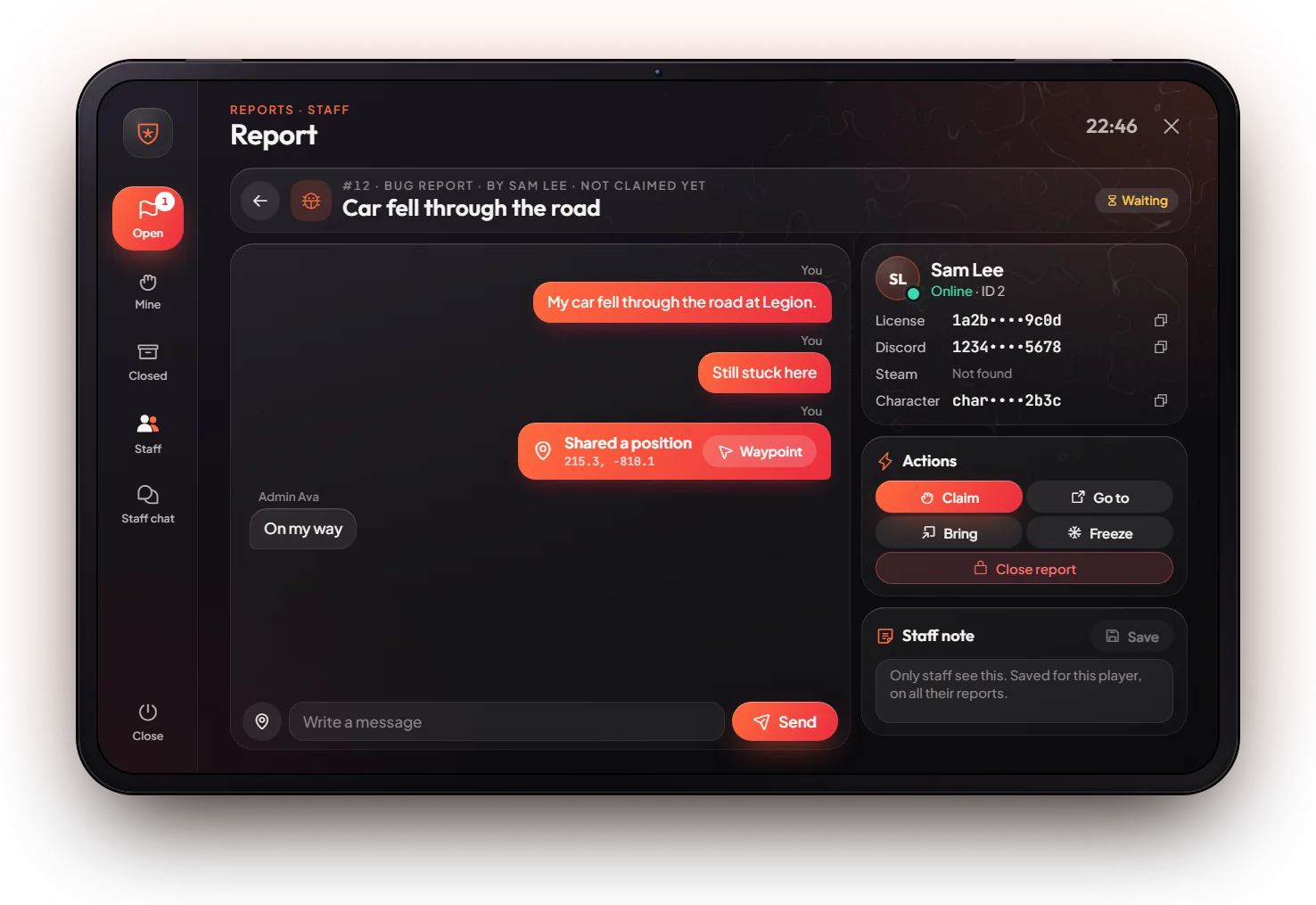
- The report opens as a chat. Staff answers show with a "Staff" tag. You get a notification when staff answer or close it.
- My reports lists your old and open reports.
Staff
- Press H (or
/reportstaff). - Open lists reports nobody closed yet. Open one and claim it.
- Chat with the player, go to them, bring them or freeze them from the report.
- Close the report when it is solved. Staff lets you set yourself available, Staff chat is only for staff.
Keys & commands
| Key / command | What it does | Who |
|---|---|---|
/report (or the pause menu button) | Open the report tablet | Everyone |
H or /reportstaff | Open the staff side | Admin, owner |
The player side has no key on purpose: F7 opens your bills. Staff can change H in the game settings (Key Bindings, FiveM).
Config options
File: [scripts]/[standalone]/mvx_scripts/modules/report/config.lua
| Option | What it changes | Example |
|---|---|---|
Config.StaffGroups | Ranks that see the staff side | { 'admin', 'god', 'owner' } |
Config.KeyMapping | Keys; the player key is off (enable = false), staff key H | key = 'H' |
Logs: see Webhooks & Logs (channel reports).
Admin Quick Test
Setup
- Be
adminorowner(the staff side does not open formod). A second player helps, but you can test both sides alone.
Player side
- Type
/report(or open the pause menu and press Report). The tablet opens on New. The Staff on duty card lists the staff online. - Title "Test", type Question, write one line and press Send report. The report opens as a chat with its number, for example
#1. - Press the pin button. Your position is added to the chat with a Waypoint button.
Staff side
- Press H (or type
/reportstaff). Open shows "Test", and the red counter counts reports nobody has claimed. - Open it and claim it. It now also shows under Mine.
- Write a reply. On the player side (
/report) the reply shows with the Staff tag and the player gets a notification. - Use go to, bring and freeze from the report. They act on the player who sent it.
- Go to Staff and press Set available. Players now see you as available.
- Close the report. It moves to Closed and the player can no longer write in it.
If it doesn't work: H says "Only staff can do this." → your rank is not admin or owner. A player cannot send a new report → one new report every 30 seconds per player. F7 opens bills, not reports: that is on purpose.